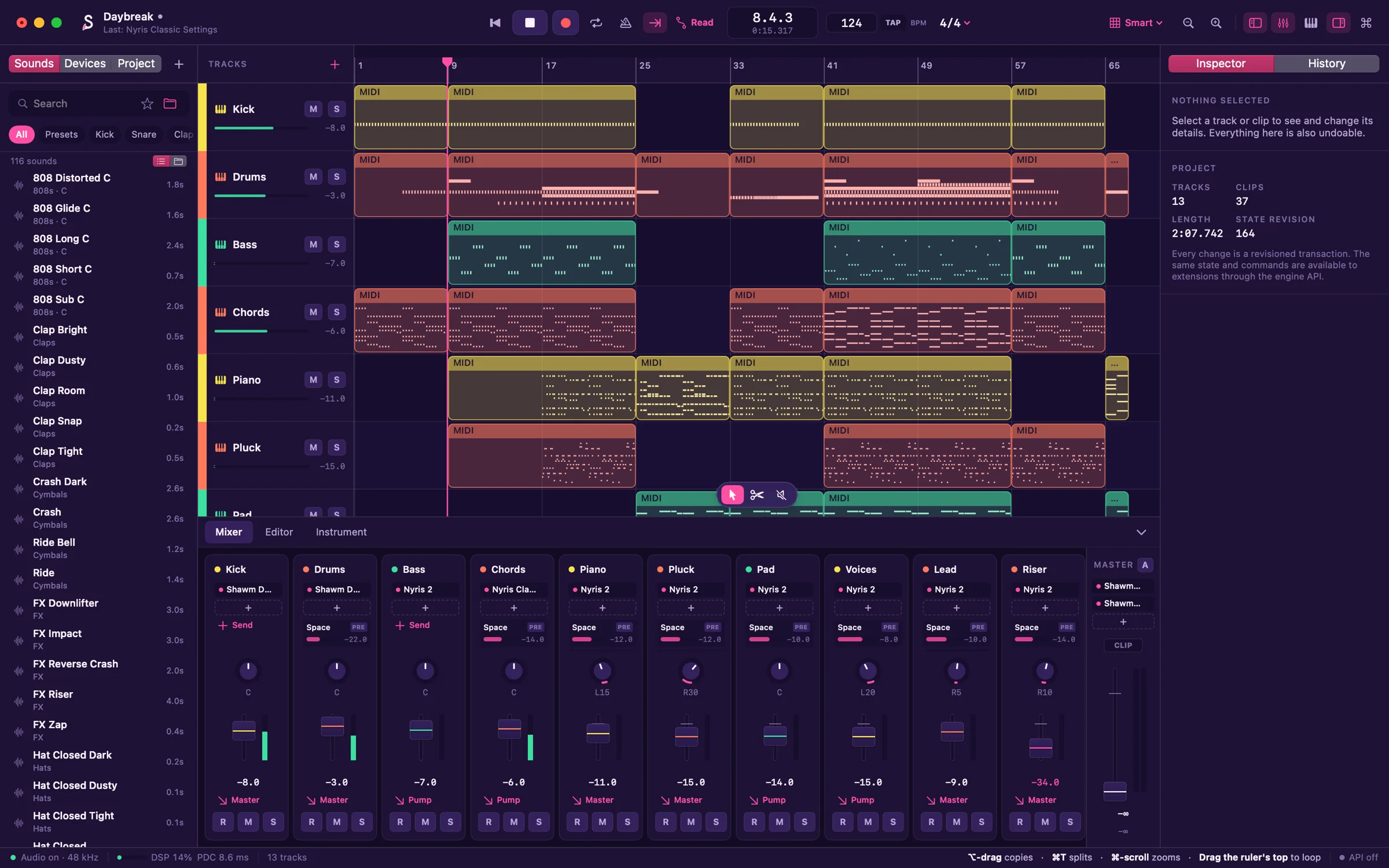
Supersaw chords opening through their filter, house piano, a pluck arpeggio and a drop.
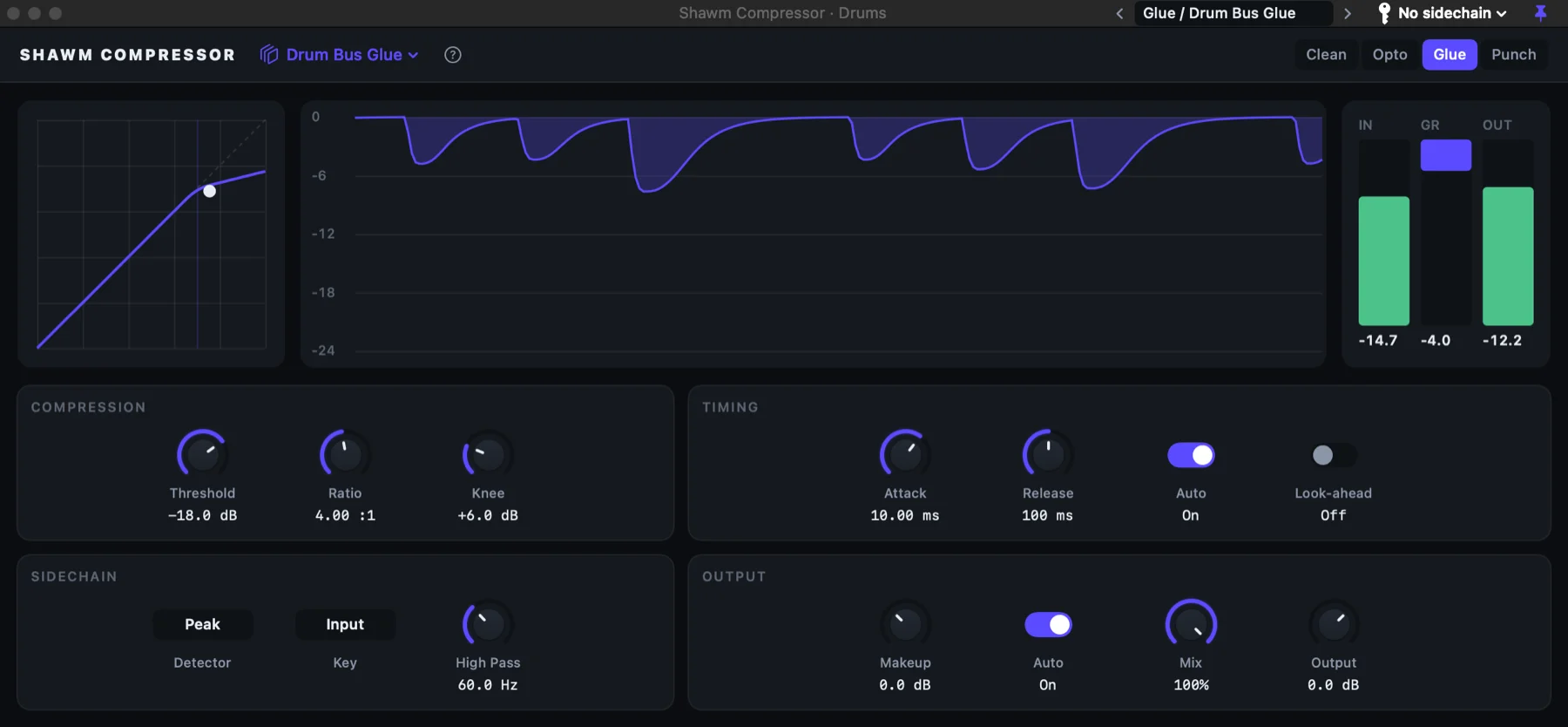
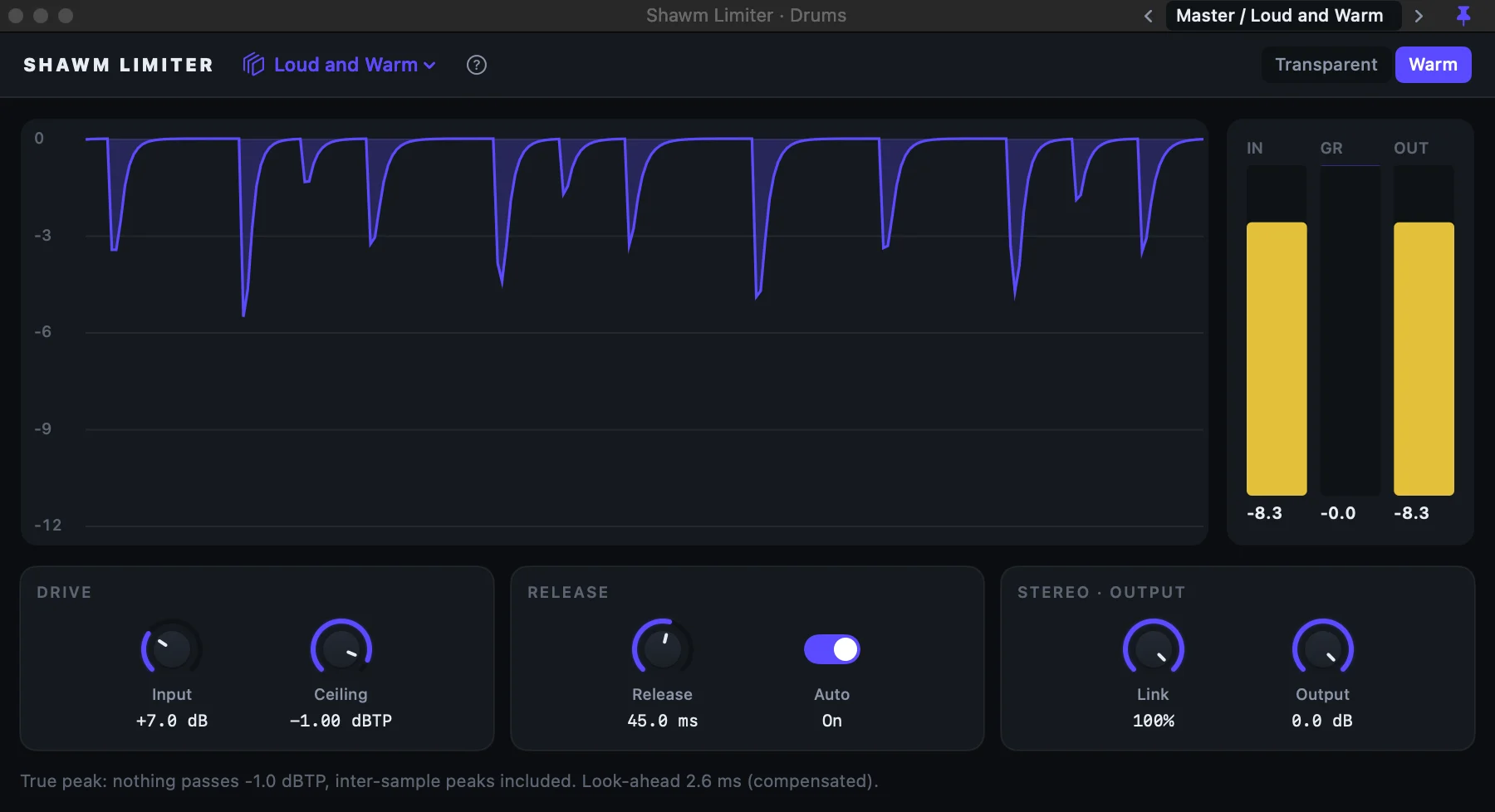
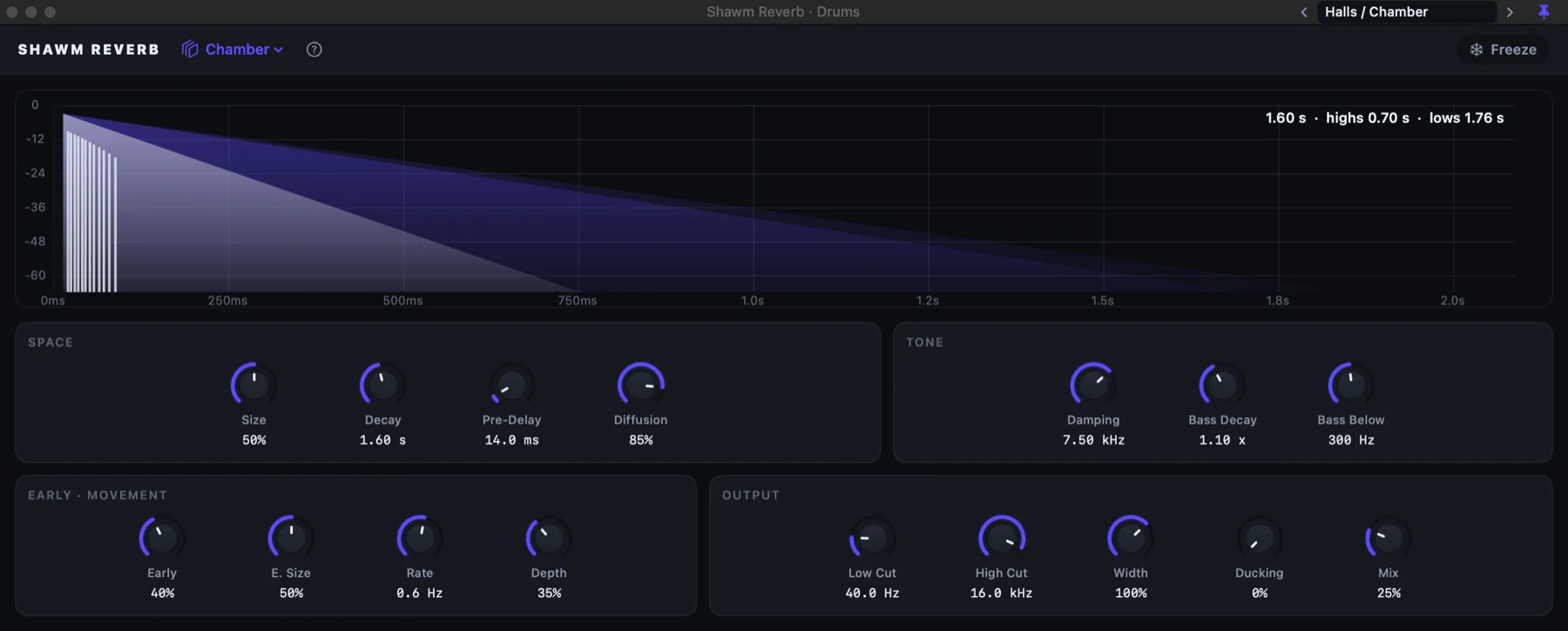
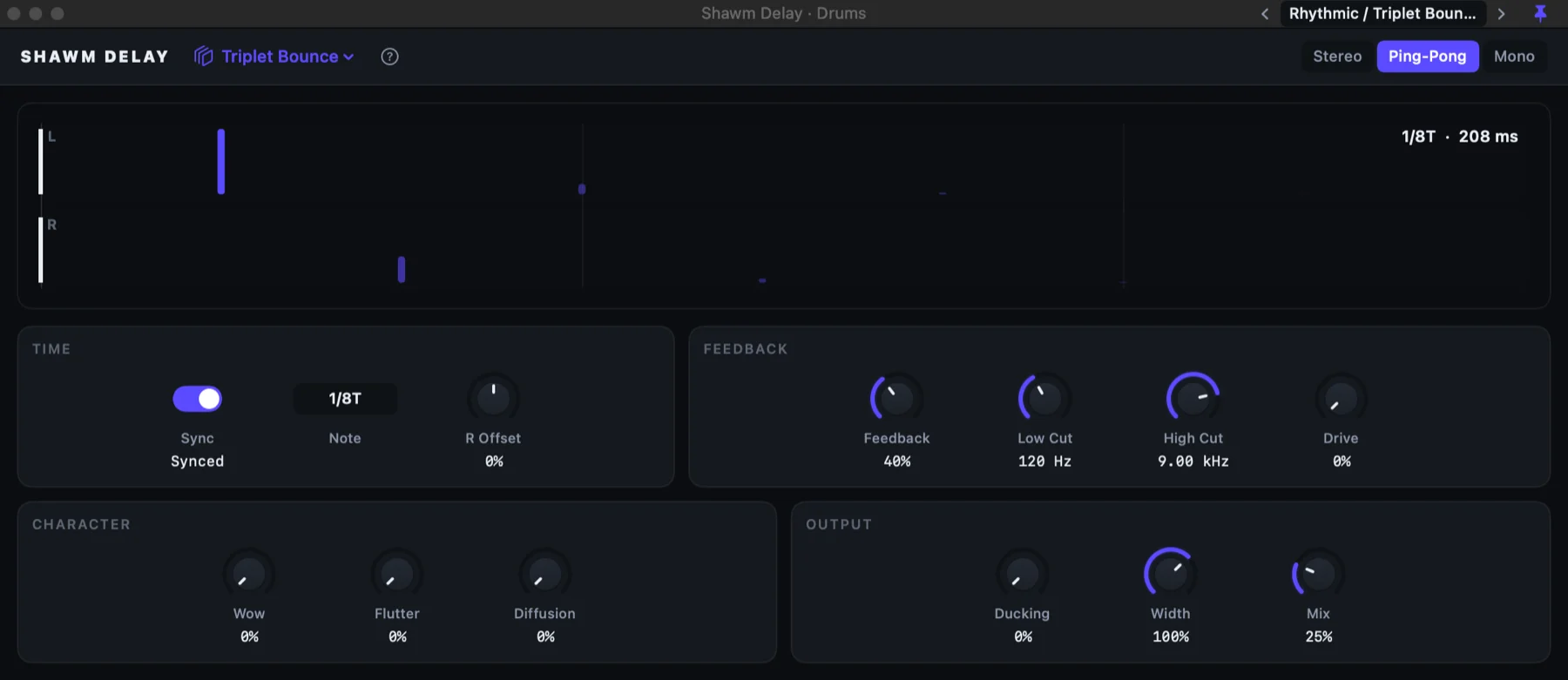
Played by Nyris 2, Nyris Classic, Shawm Drums, Shawm Compressor

Record, produce and mix on your Mac, with eighteen instruments and effects built in and an undo that never throws anything away. Try it free for 30 days, then $59 with every update until Shawm 2.

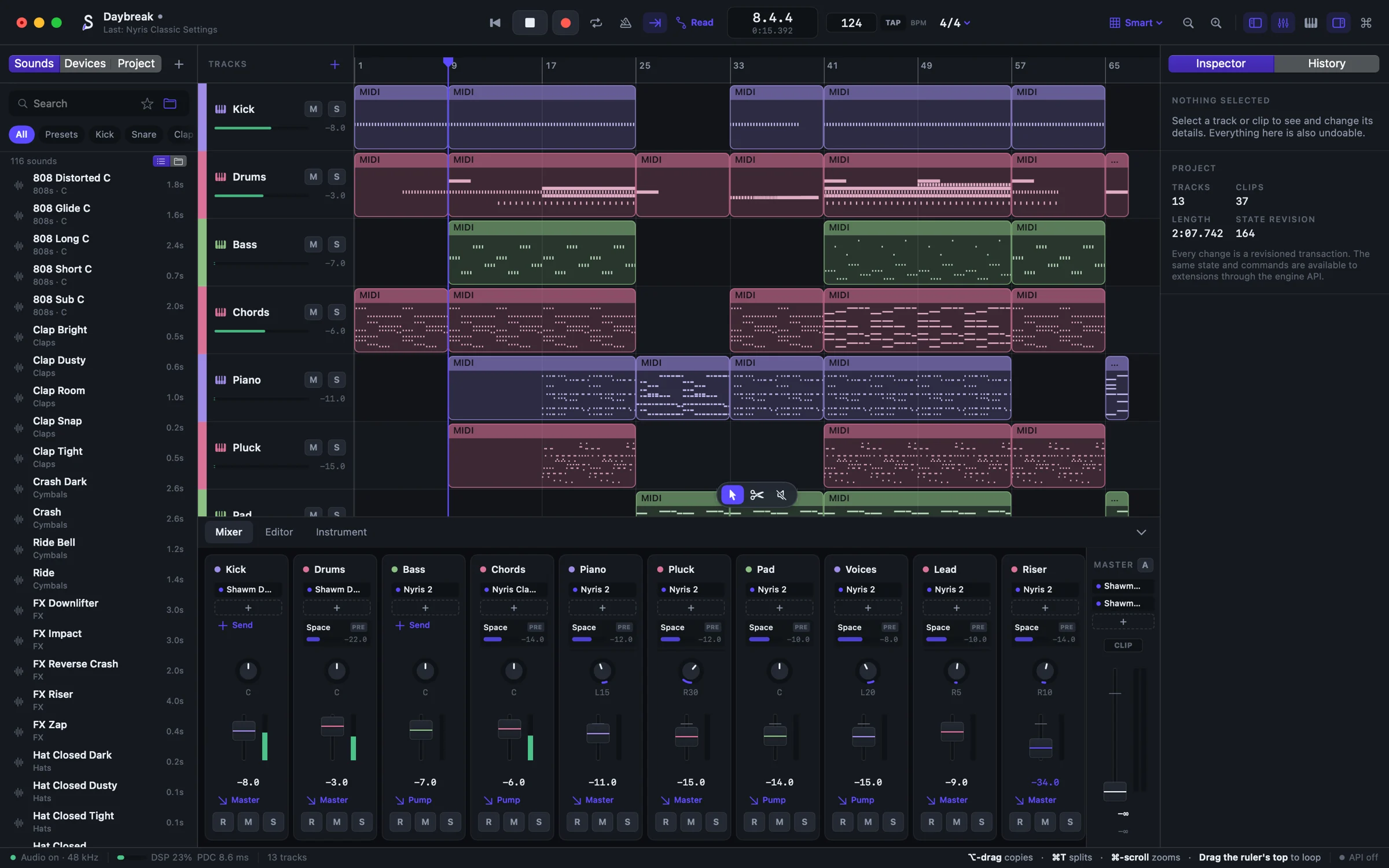
Why Shawm
Made in Shawm
Three songs come with the studio, each made with nothing but its own instruments, drums and effects. Press play, then open them in Shawm and take them apart.
Supersaw chords opening through their filter, house piano, a pluck arpeggio and a drop.
Played by Nyris 2, Nyris Classic, Shawm Drums, Shawm Compressor
Dusty drums with trap hats, a gliding 808, Rhodes through worn tape and a muted trumpet.
Played by Nyris 2, Nyris Classic, Shawm Drums, Shawm Tape
Organ and a bell, a flute's melody, cello over slow drums and an 808, a choir and a horn.
Played by Nyris 2, Sable, Nyris Classic, Shawm Drums
Watch
Instruments
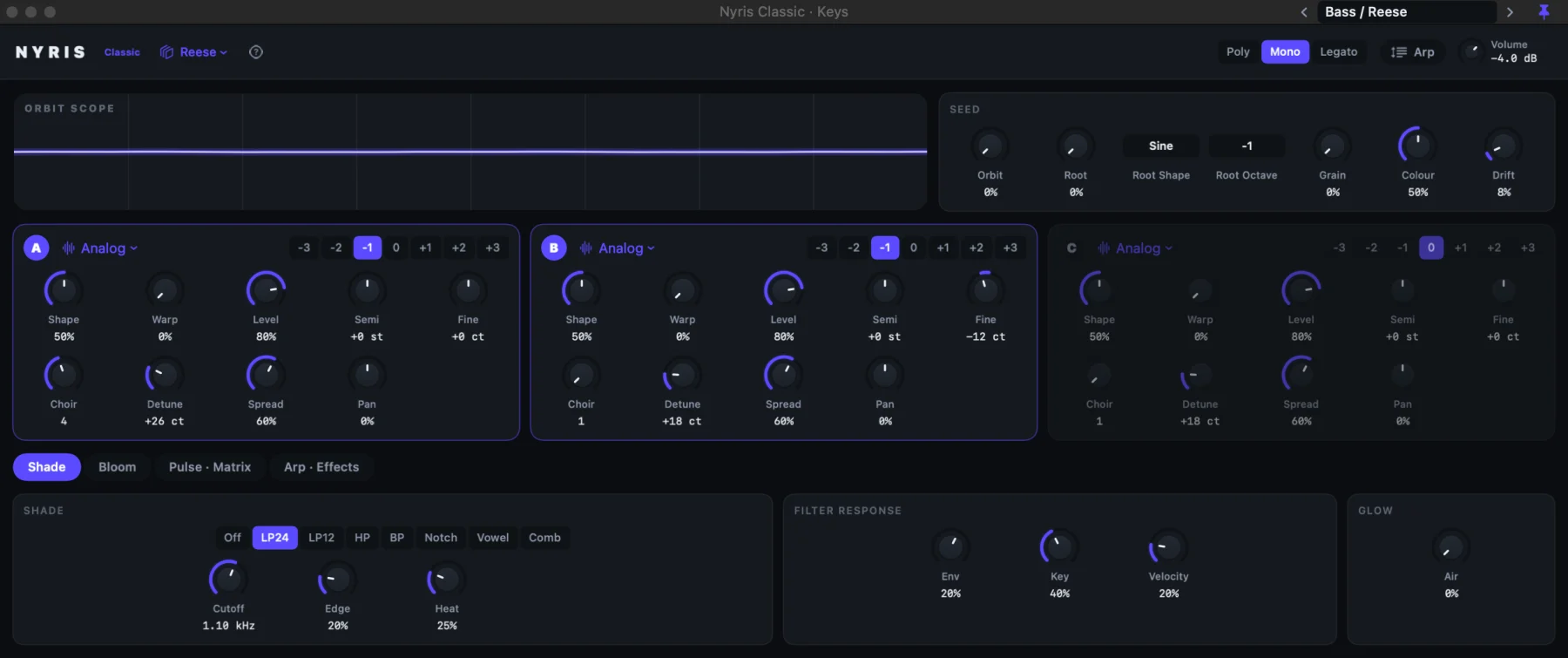
Each one has its own interface, presets and live display. Every control can be automated, and every one says what it does.
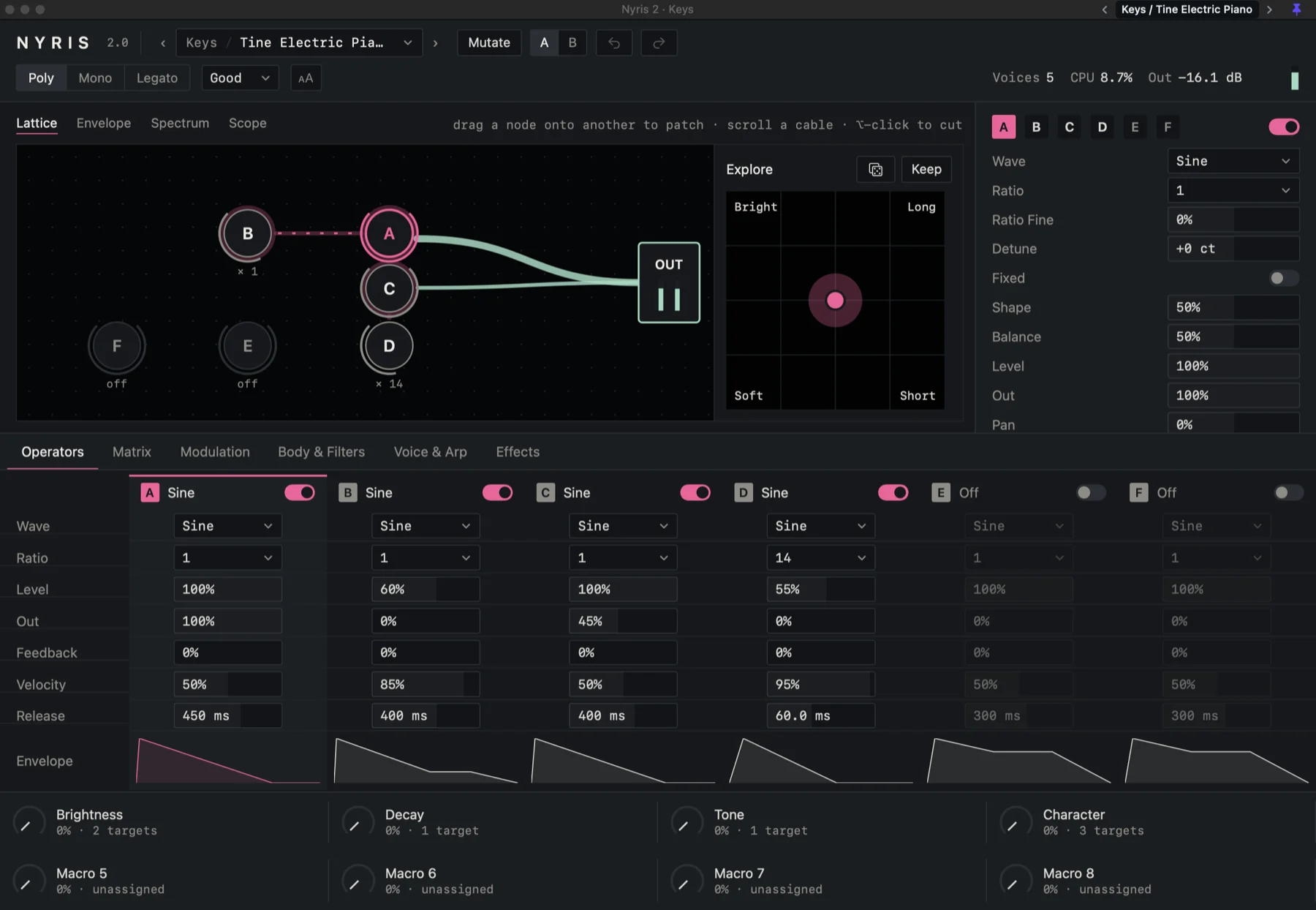
Synthesizer
Six operators in a lattice you patch by dragging, a struck body, two filters, eight macros and MPE. Explore glides between four versions of a sound; Mutate invents new ones.
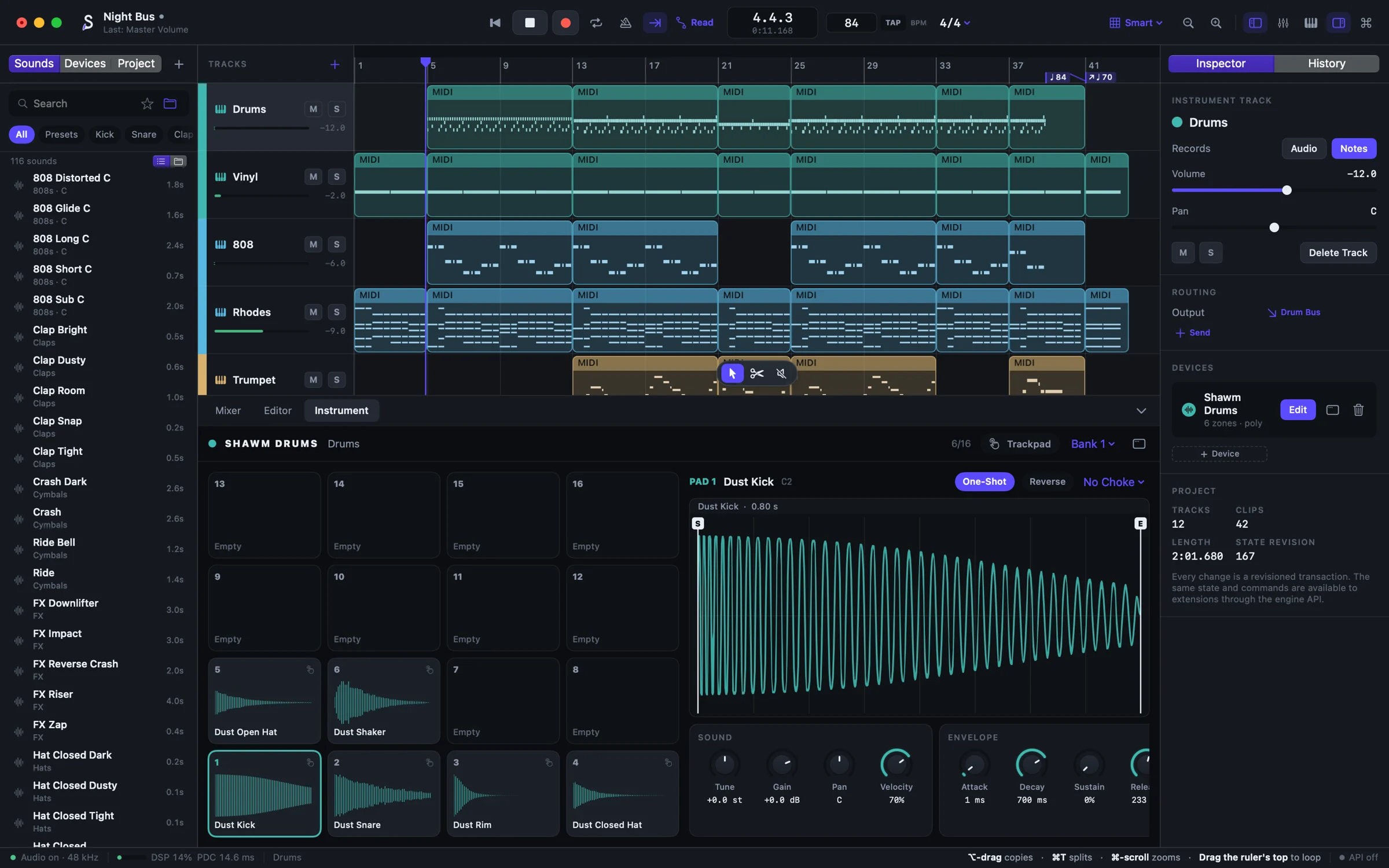
Sixteen pads
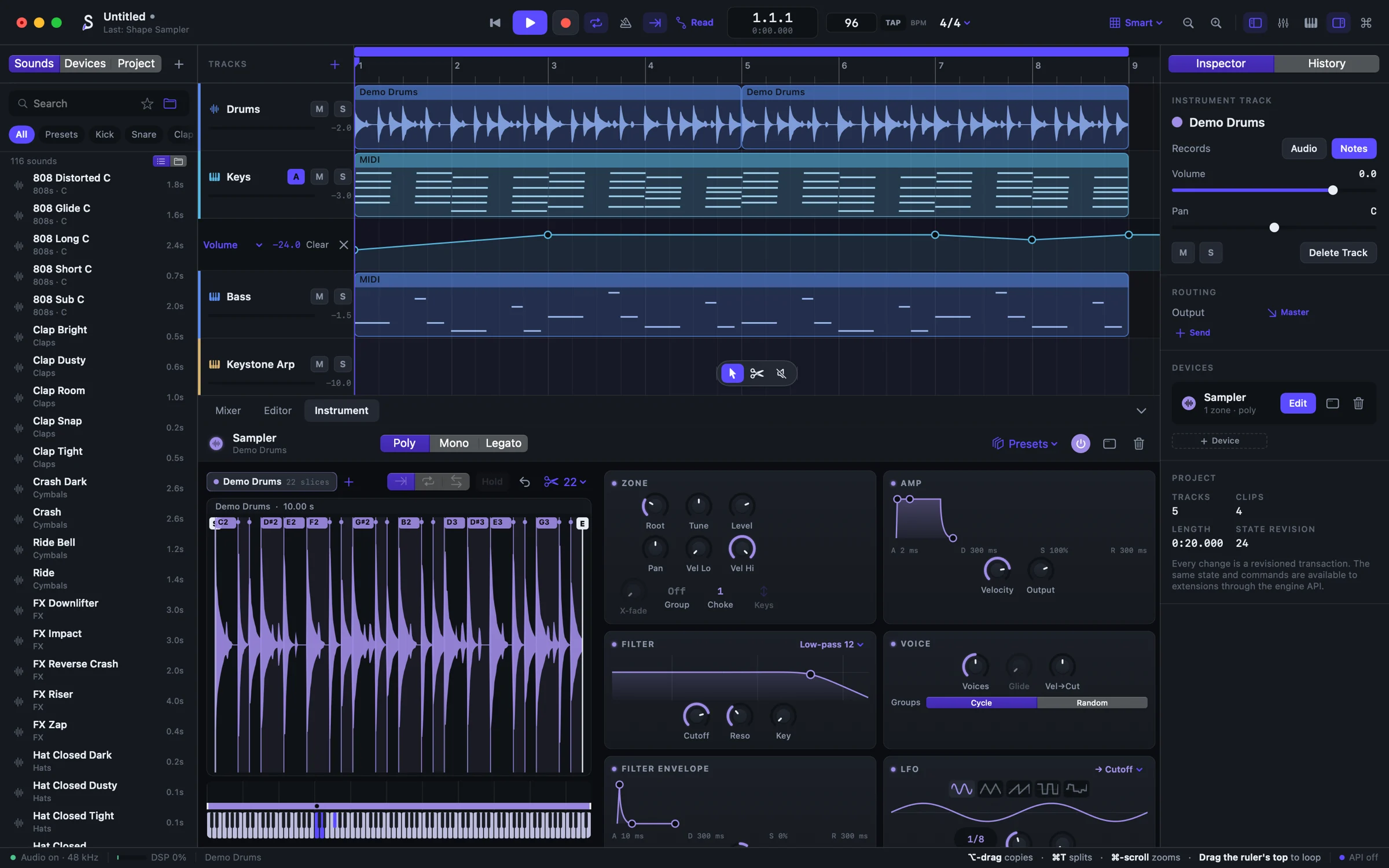
Each pad with its own envelope, filter and choke. Load a Shawm Sounds kit or your own hits, and play them on the trackpad.
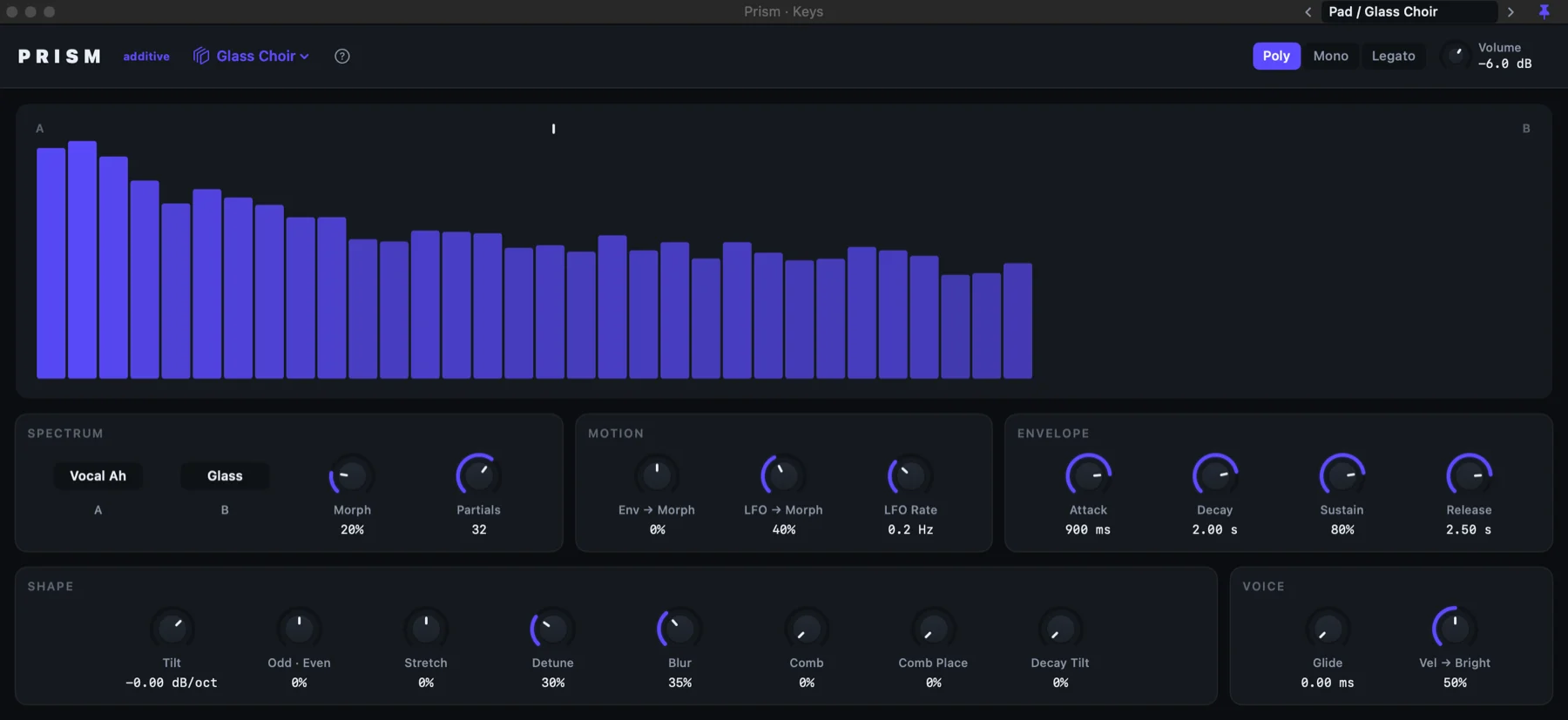
Additive
Forty-eight partials a voice, morphing between nine spectra, vowels among them.
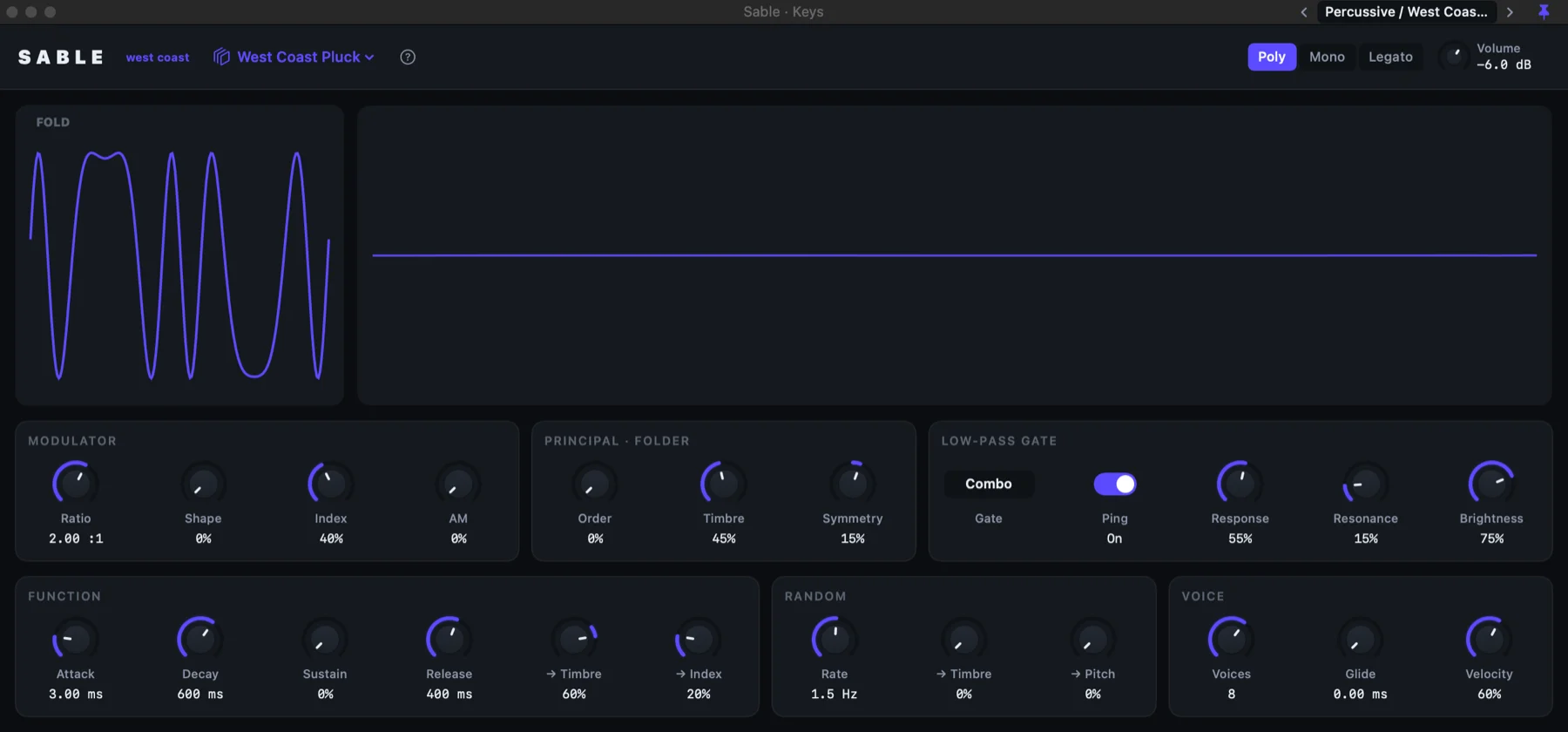
West coast
A wavefolder and a low-pass gate: plucks, mallets, bells and growling basses.
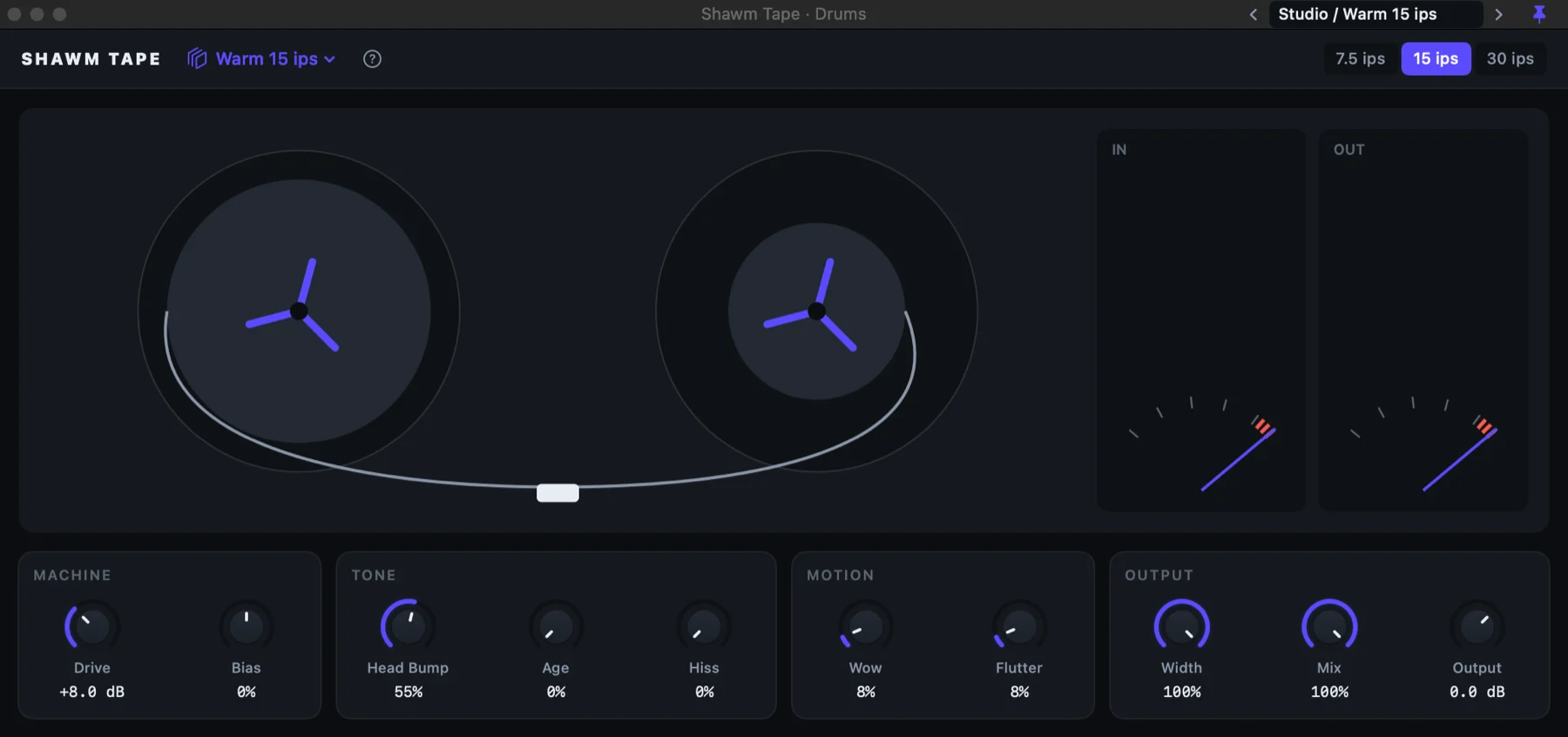
Character
A tape machine at 7.5, 15 or 30 ips: saturation, head bump, wow, flutter, hiss and age.
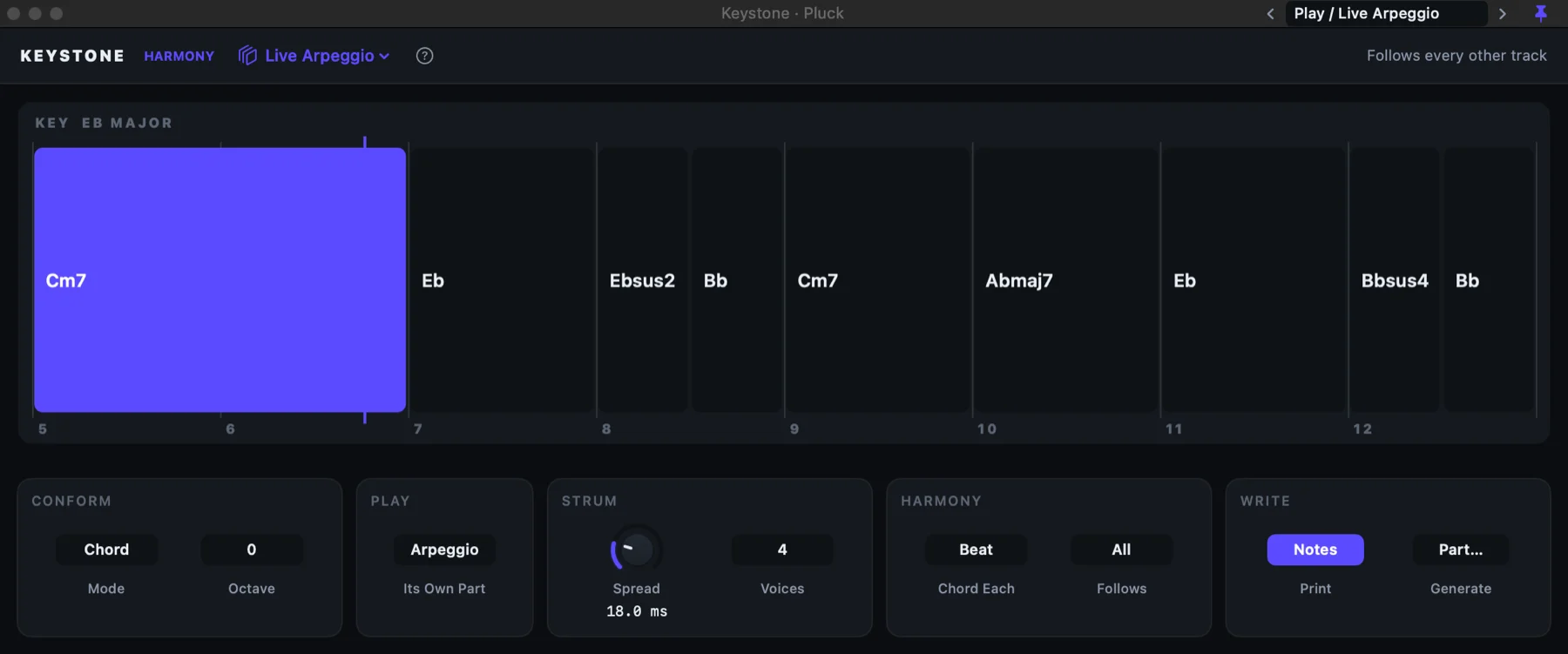
Follows the chords
Reads the chords from your other tracks and keeps a part in them, or plays roots, pads or an arpeggio of its own.
11 more, all built in. Open any of them for the details.
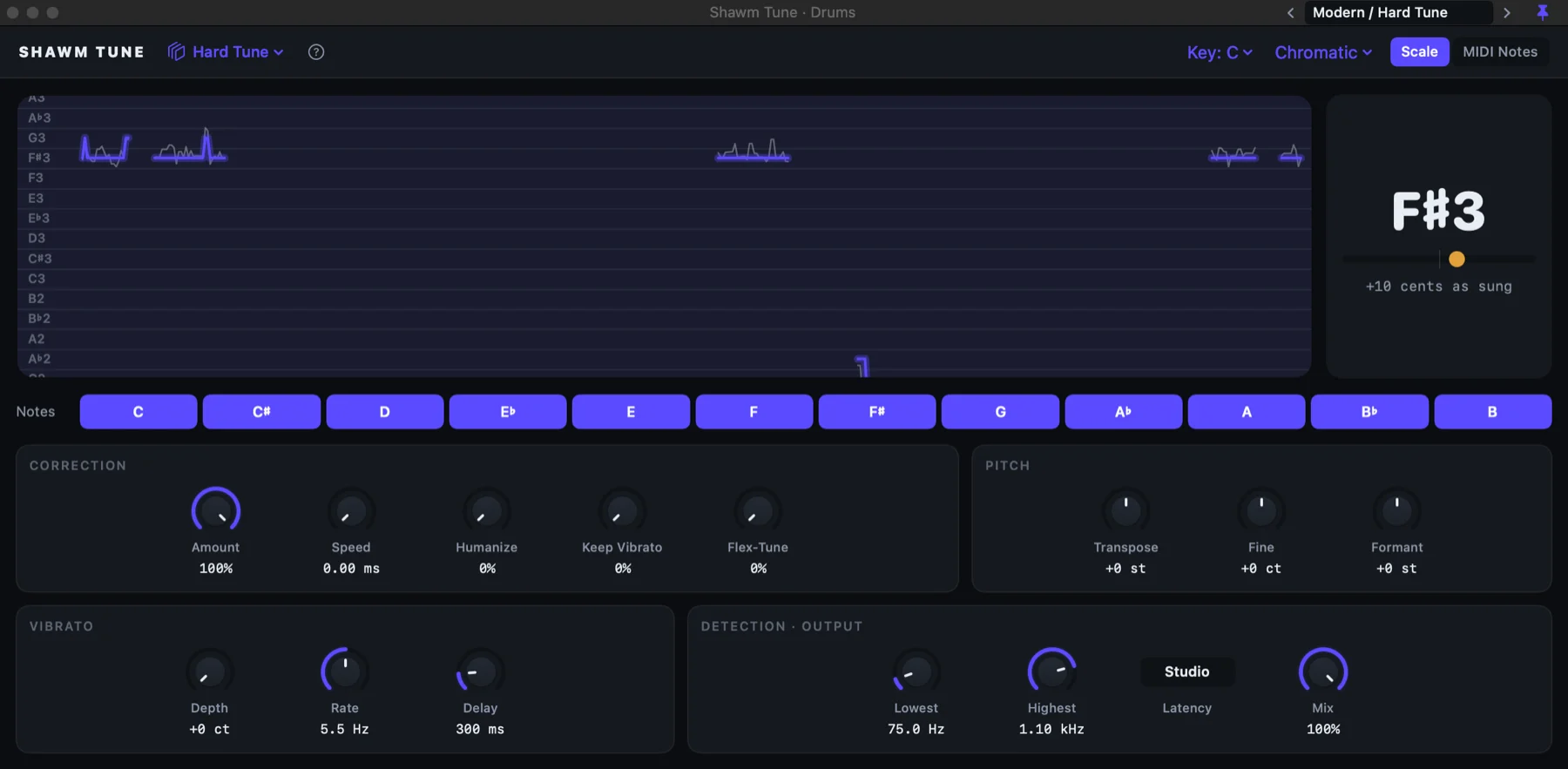
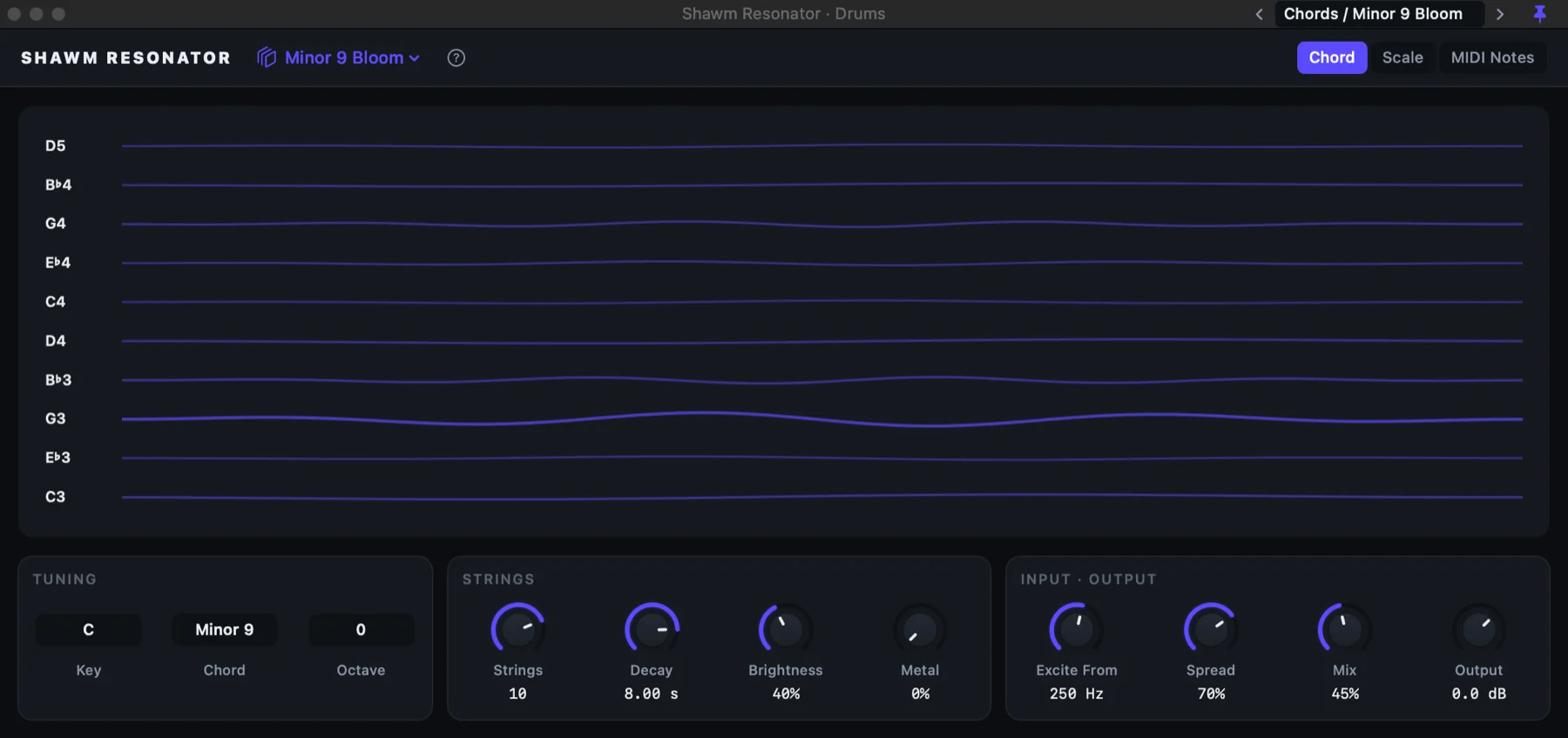
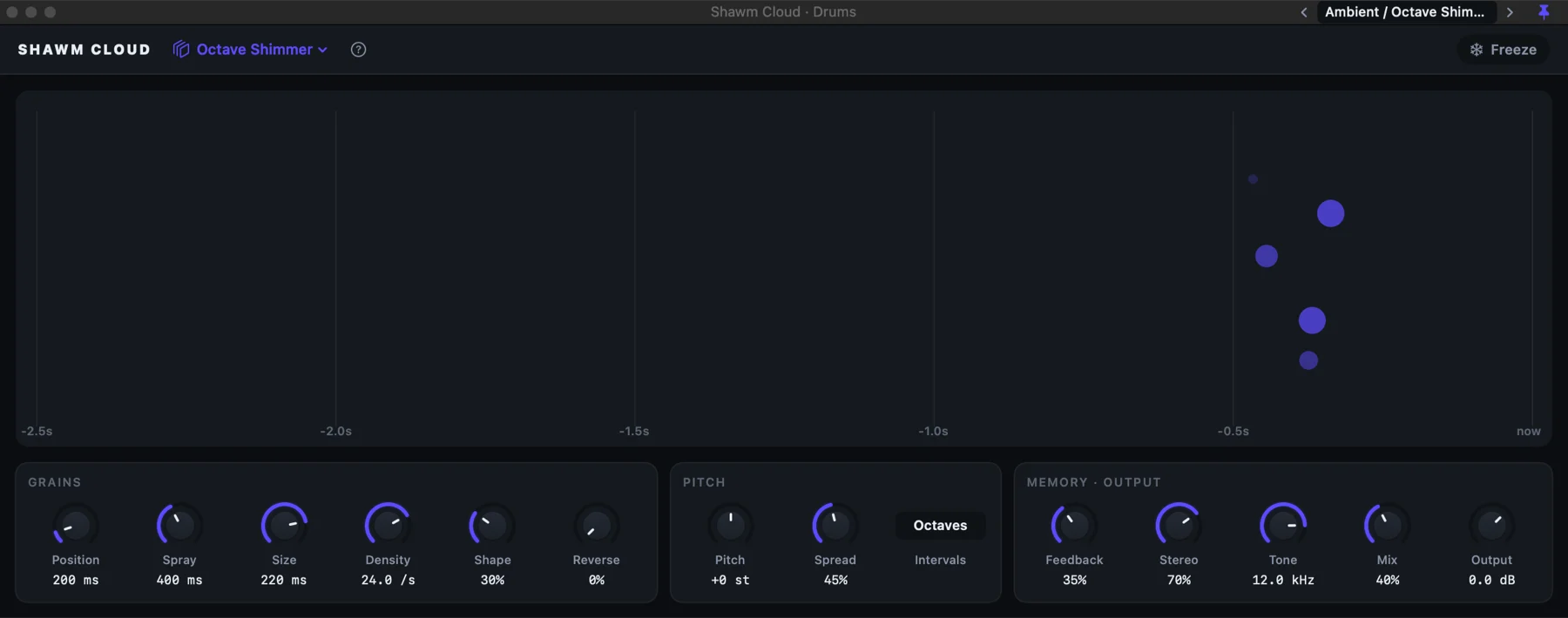
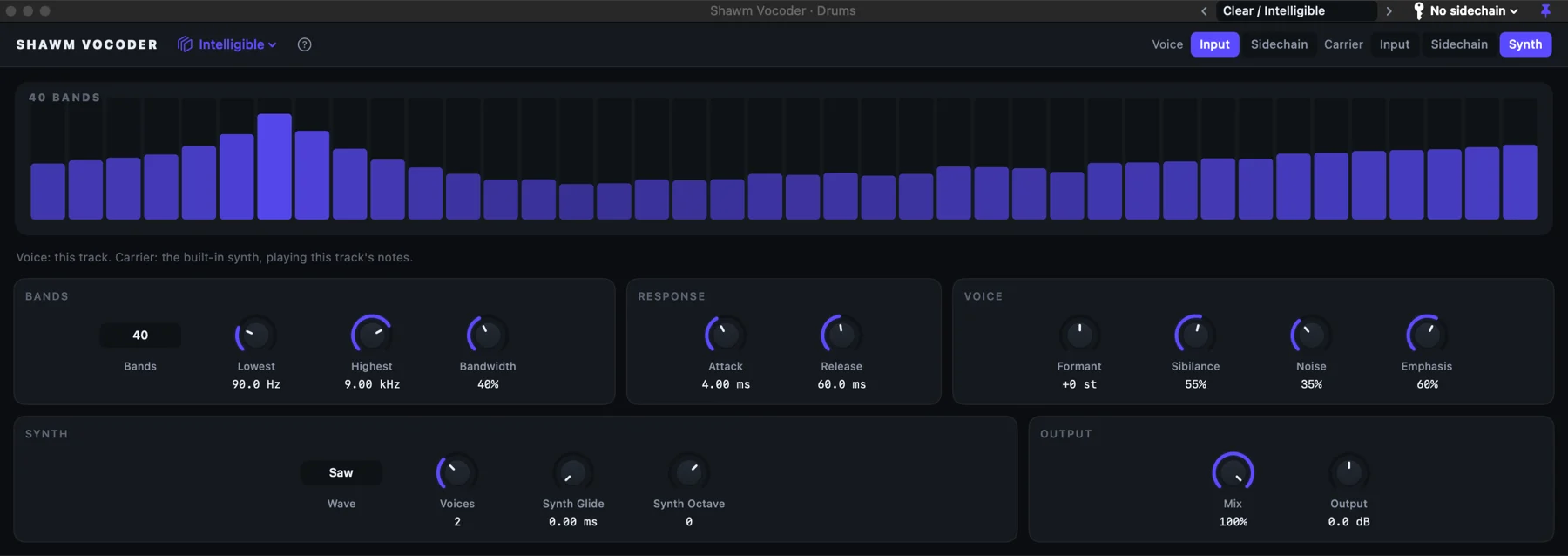
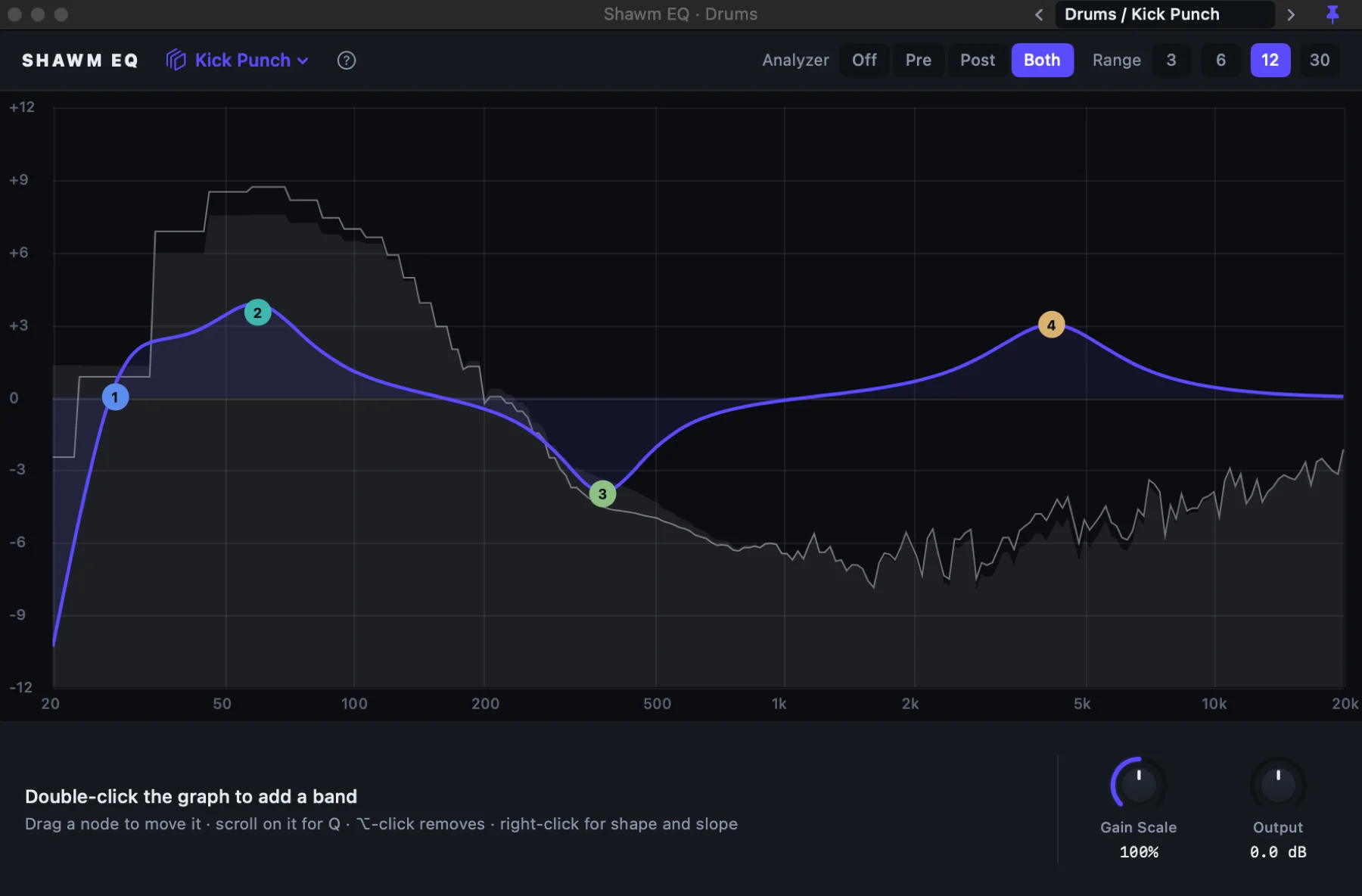
Pitch and audio editing
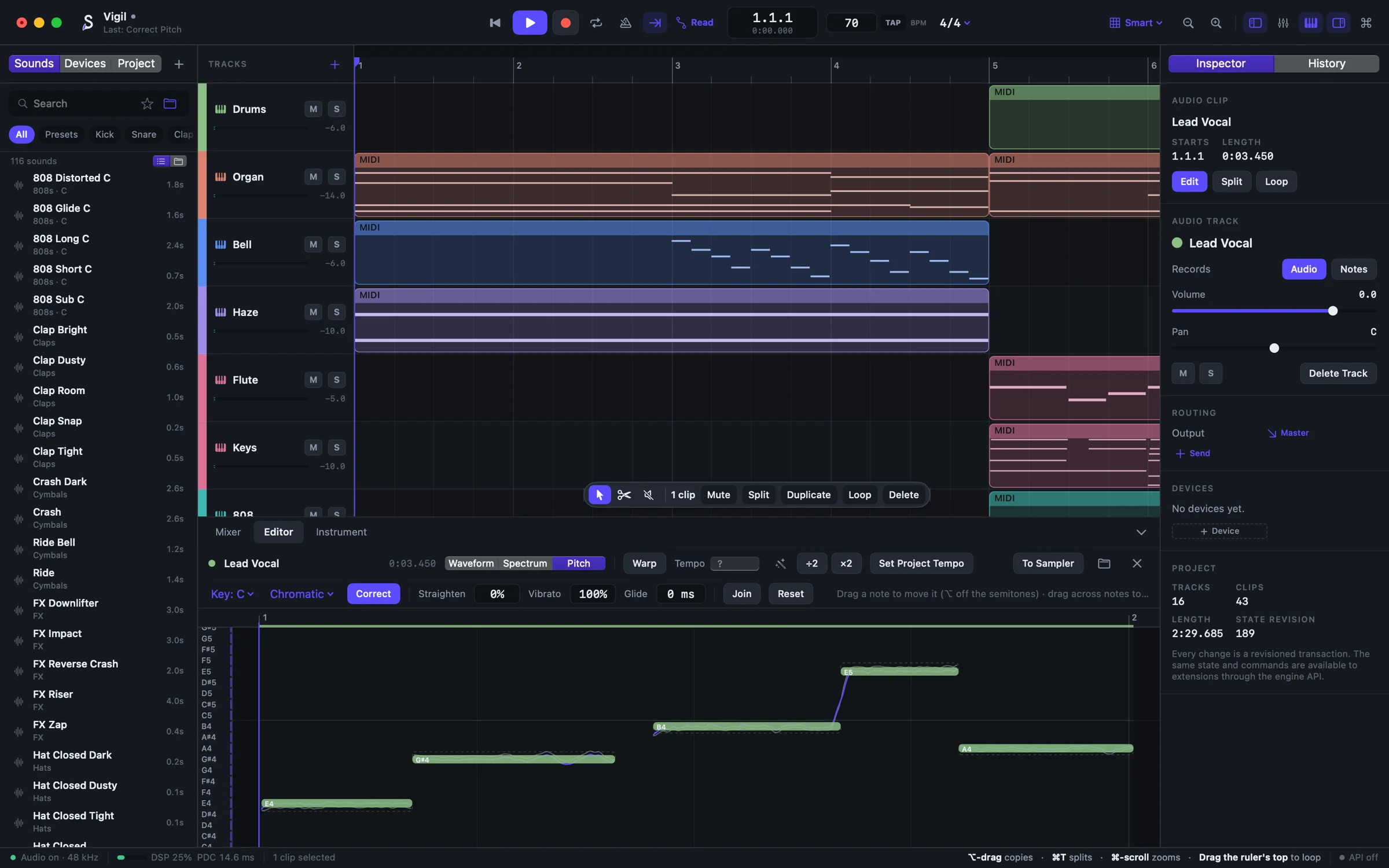
Open a recording and Shawm shows the notes that were sung. Drag one onto the right pitch, straighten a drift, keep as much vibrato as you like: formants and timing stay the singer’s own.
Built differently
History
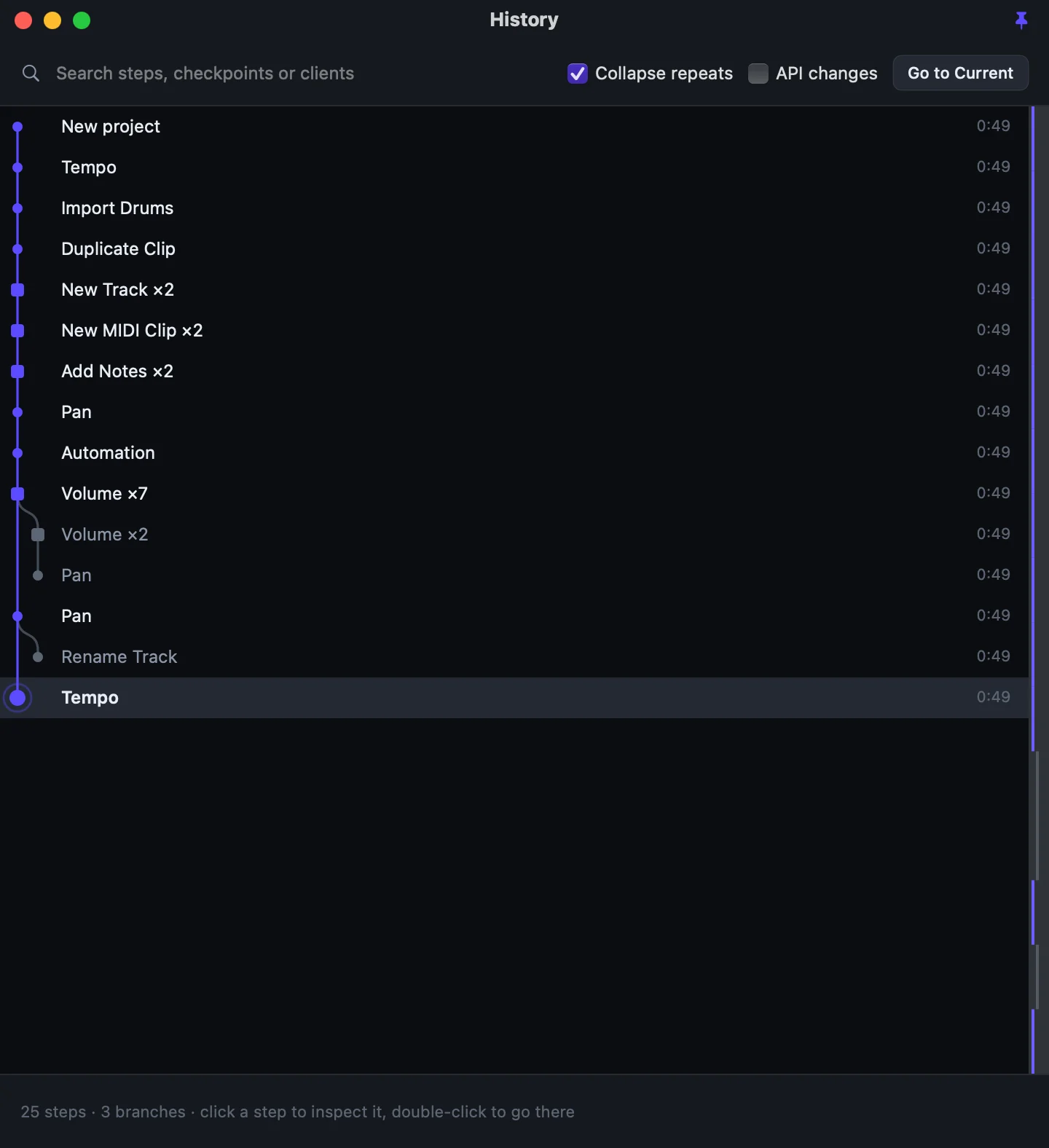
Undo never throws anything away. Change course after undoing and Shawm starts a branch; the History map shows every path, and it all saves with the project.
Plug-ins
Each runs in a process of its own. If one crashes, its sound fades out and it reloads with its settings while the song plays on.
Sound
Start, stop, loop, seek, edit under the playhead, swap a plug-in: every one fades or crossfades, and it’s tested to stay that way.
Safety
Autosave with crash recovery, and projects that keep their audio inside them.
Live API and MCP
Scripts, control surfaces and AI assistants on your Mac can see the open project and change it, through the same commands as the interface and into the same history. The built-in MCP server connects the assistant of your choice in one step.
// JSON-RPC 2.0, one object per line, over a local socket
→ {"method": "hello", "params": {"client": "mix-assistant"}}

→ {"method": "batch", "params": {
    "label": "Tame the drums",
    "calls": [
      {"method": "track.update", "params": {"id": "track-drums", "gainDb": -3}},
      {"method": "track.update", "params": {"id": "track-keys", "pan": -0.2}}
    ]
}}

// one undo step, named “Tame the drums”, marked mix-assistant
Writing parts
Every MIDI clip opens as notes, as orbits or as harmony. Each edit in any of them is an ordinary change, one step you can undo, so switch whenever the part needs a different eye.
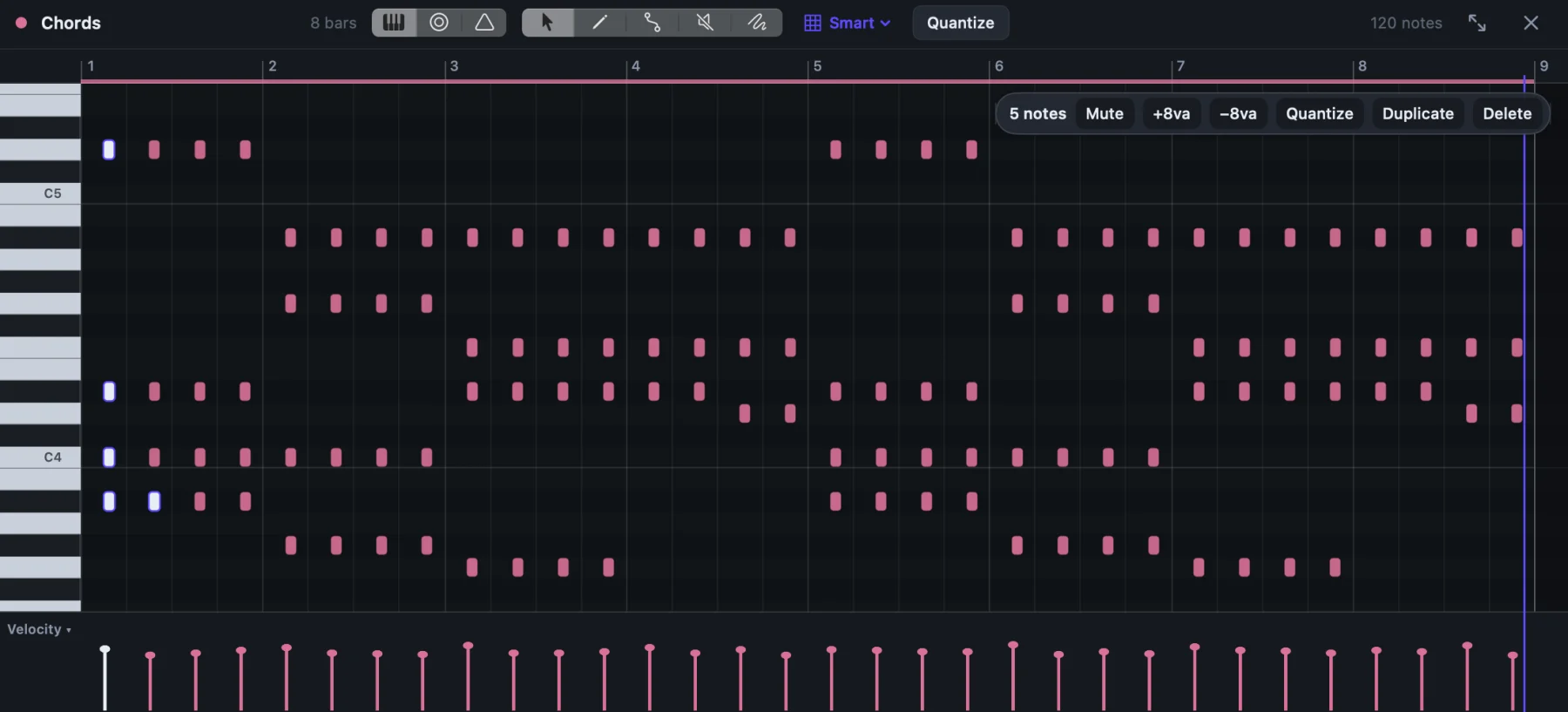
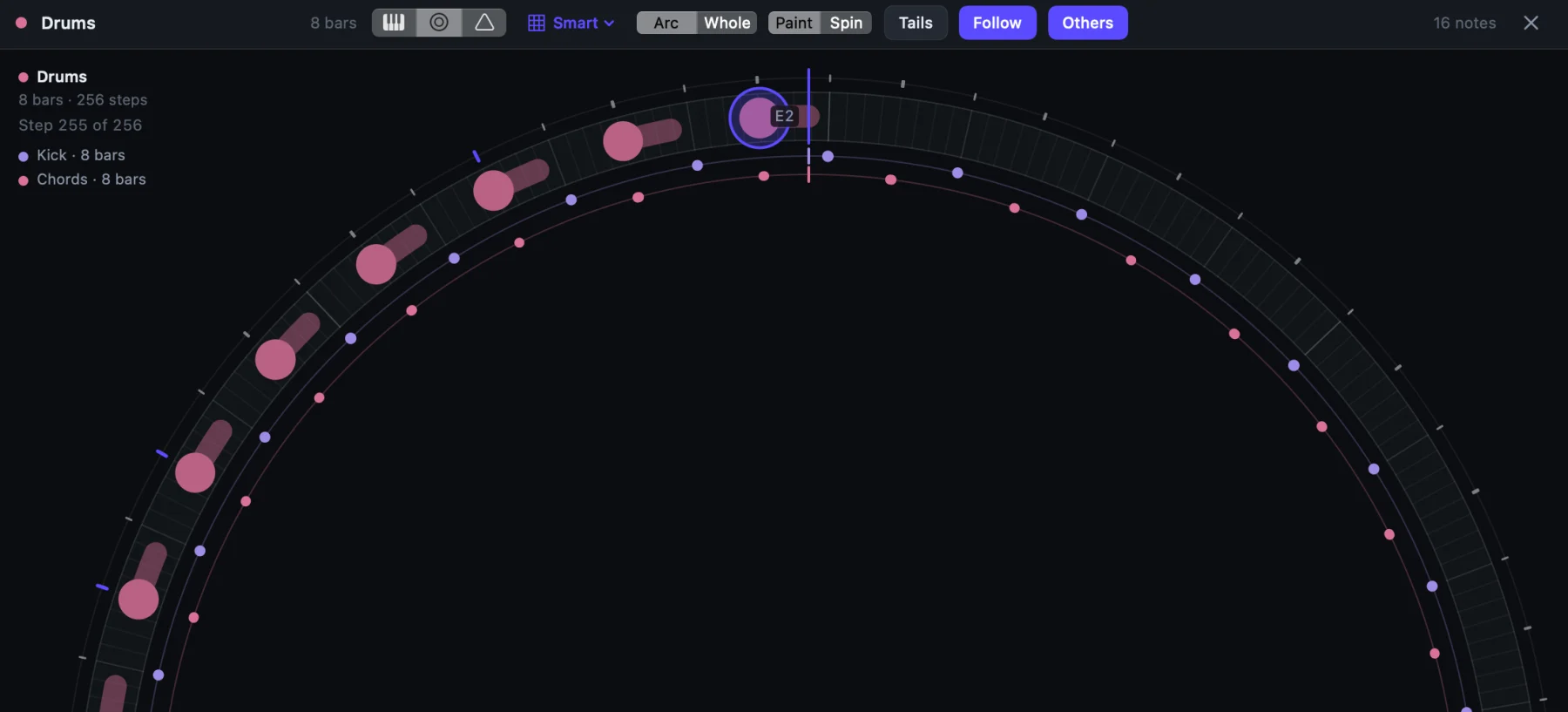
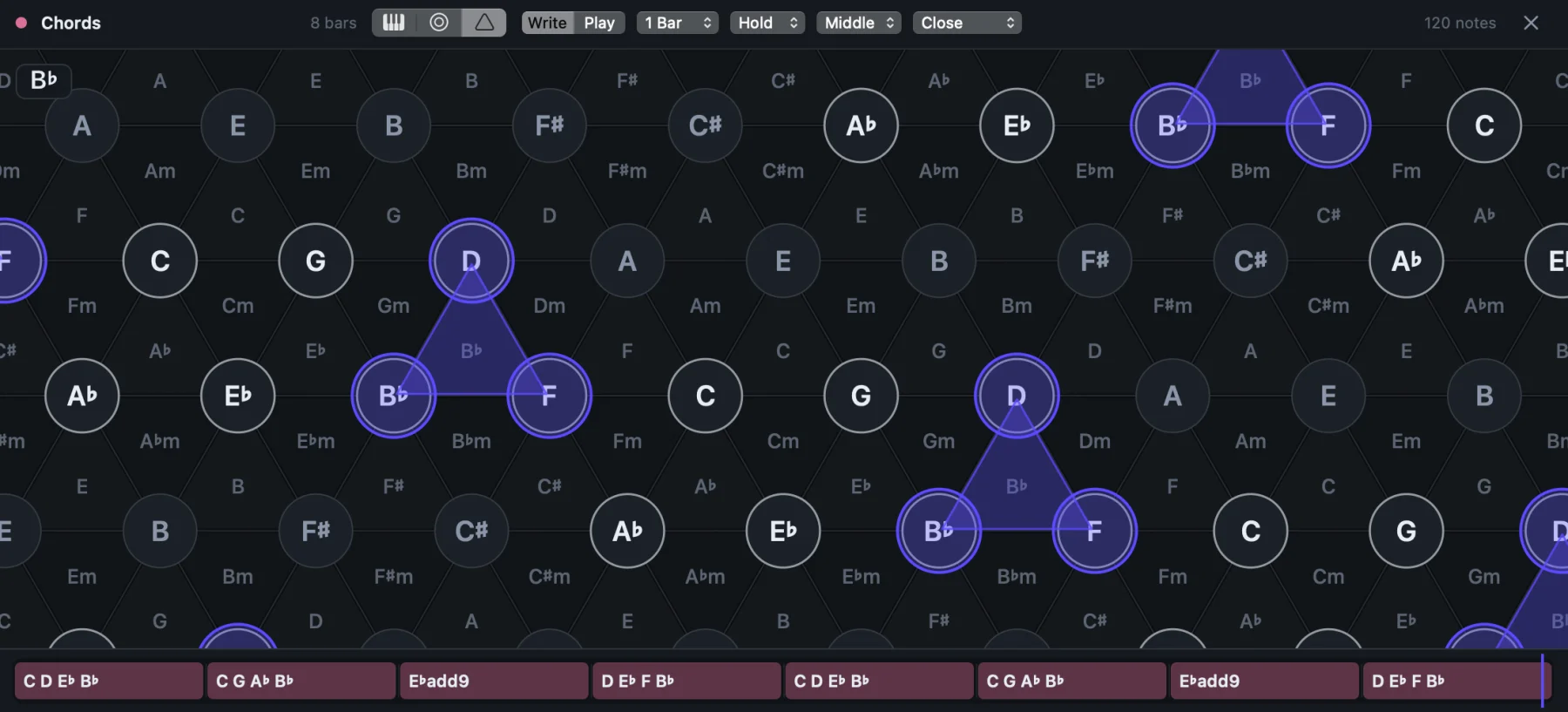
Record over a part and every pass becomes a take; swipe across them to comp, audio and MIDI alike.
Warp to the tempo map with markers, detect a clip's tempo, quantize audio. Tempo can ramp.
Your folders beside Shawm Sounds, with tags, keyboard navigation and previews that play in time with the song.
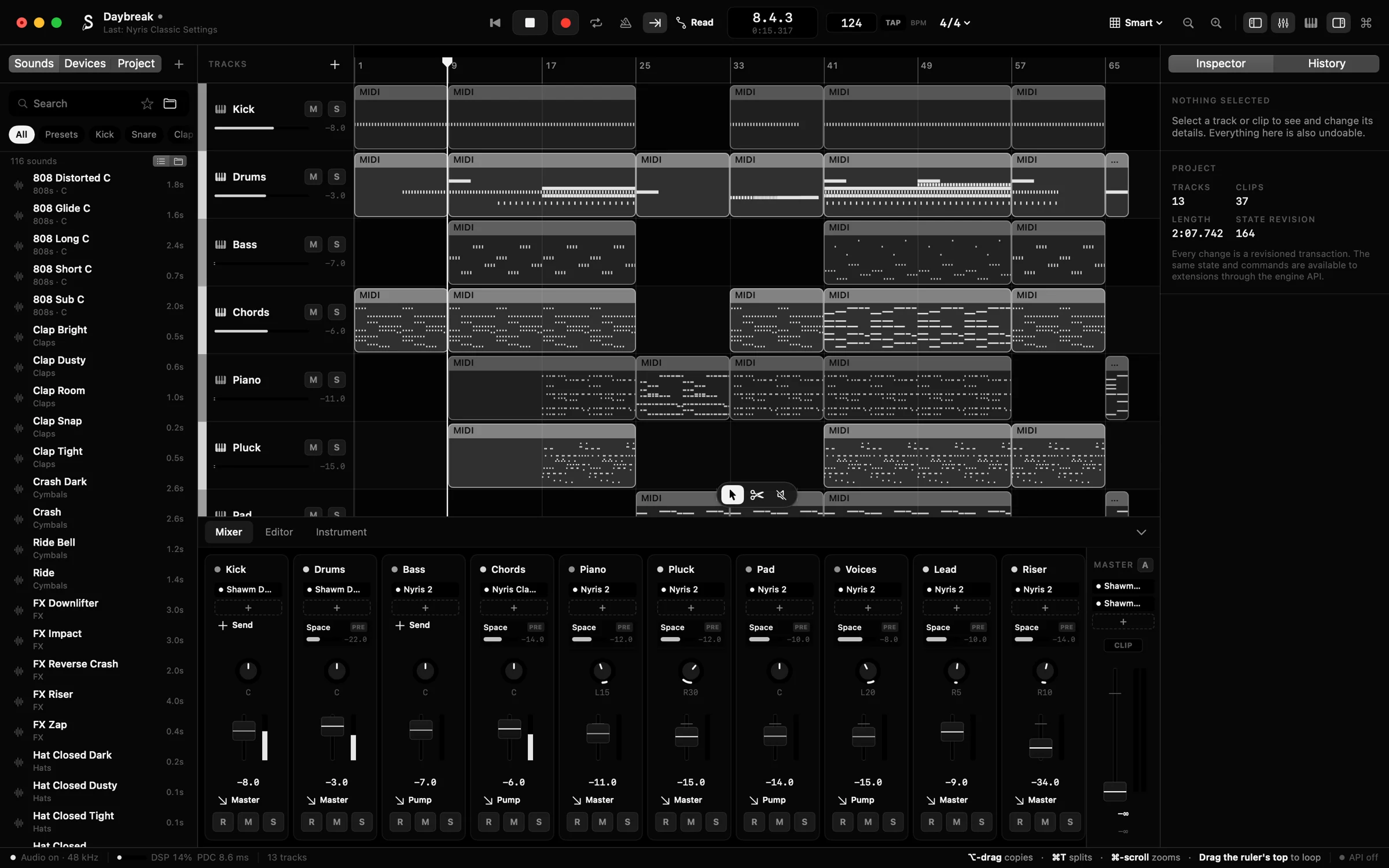
Any parameter, in Read, Touch, Latch or Write.
Buses, sends, groups, sidechains and multi-output instruments, with delay compensation across all of it.
Tracks render side by side in the audio device's own workgroup; freeze the heavy ones.
Mixdowns and stems as WAV, AIFF, AAC or MP3, normalized to true peak or loudness (LUFS).
104 synthesized hits and four kits, from 808s to talking drum, shekere and agogo. Free to use.
Trackpad pads, Caps Lock musical typing and any MIDI controller, MPE included.
Audio Units, VST3 and CLAP: effects, instruments and note effects, with their presets.
Point at any control and the status bar says what it does. VoiceOver reaches every control.
A C++20 engine and a Swift interface, made for the Mac. Requires macOS 14 or later.
Themes
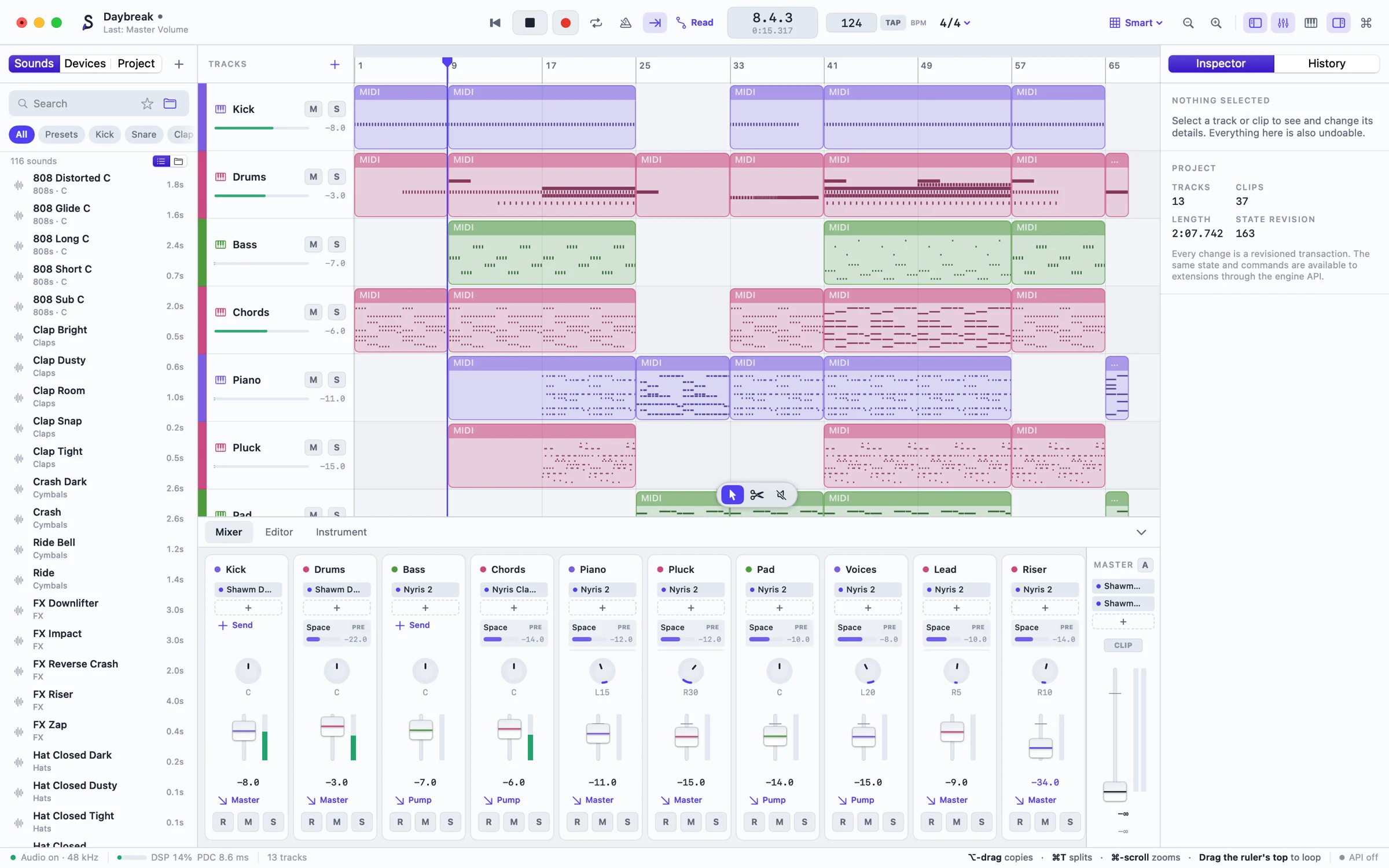
Ultramarine, Pitch Black, Playful and Daylight. Plug-in windows follow along.
Pricing
Trial
Free for 30 days of use
Licence Early access
$59 or €59, for Shawm 1
Yes. One payment buys Shawm 1: every update until Shawm 2, today’s early releases included. Shawm 2 will be a paid upgrade, and your licence keeps working whether you take it or not. There’s no subscription.
Shawm still opens, plays and exports everything you made; it just stops making new changes until you add a licence. Paste the key in Settings › Licence and carry on where you were. The trial counts the days you use Shawm, not days on the calendar.
Shawm needs macOS 14 or later on a Mac with Apple silicon (M1 or later); it doesn’t run on Intel Macs. One licence covers every Mac you use.
Not to make music. Shawm has no sign-in and nothing to activate: paste your key once and it works offline. Buying through our store, Moonbase, gives you an account there too, where your key and receipts stay if you need them again; you never have to use it.
Yes: Audio Units, VST3 and CLAP, effects and instruments, with their presets. Each runs in a process of its own, so one that crashes can’t take the song down. VST2 and Intel-only plug-ins aren’t supported.
Bring your audio: WAV, AIFF, MP3, AAC, FLAC and ALAC drop straight onto the arrangement, and your plug-ins come with you. Projects from other studios don’t open in Shawm, so most people start new songs here.
Yes. Shawm Sounds, the 104 hits and four kits that come with it, are free to use in anything you release, and what you make with Shawm’s instruments is yours.
Shawm has an MCP server and a live API built in. The AI assistant of your choice can read your session and make changes, but only after you allow it, and every change it makes is a named step in the history you can undo. The connection stays on your Mac; you can revoke an assistant at any time.
Not yet. Tell us what you’re on and you’ll hear when it comes to you.
Shawm is named for the shawm, the loud reed instrument that played outdoors for centuries before the oboe tamed it. Play as loud as you like: you can always change your mind.
Made in Nigeria by Artatura.
On Windows or Linux? Tell us, and you’ll hear when it comes to you.